Underground Utility Locating
Underground utility locating delivered by LADS, part of the Dynamic Group.
Underground utility locating is delivered by LADS, part of the Dynamic Group. LADS locates and detects buried services so works can be planned and carried out with a clear picture of what lies below. Locating and hydro excavation work closely together to expose and prove services safely.
What is underground service locating?
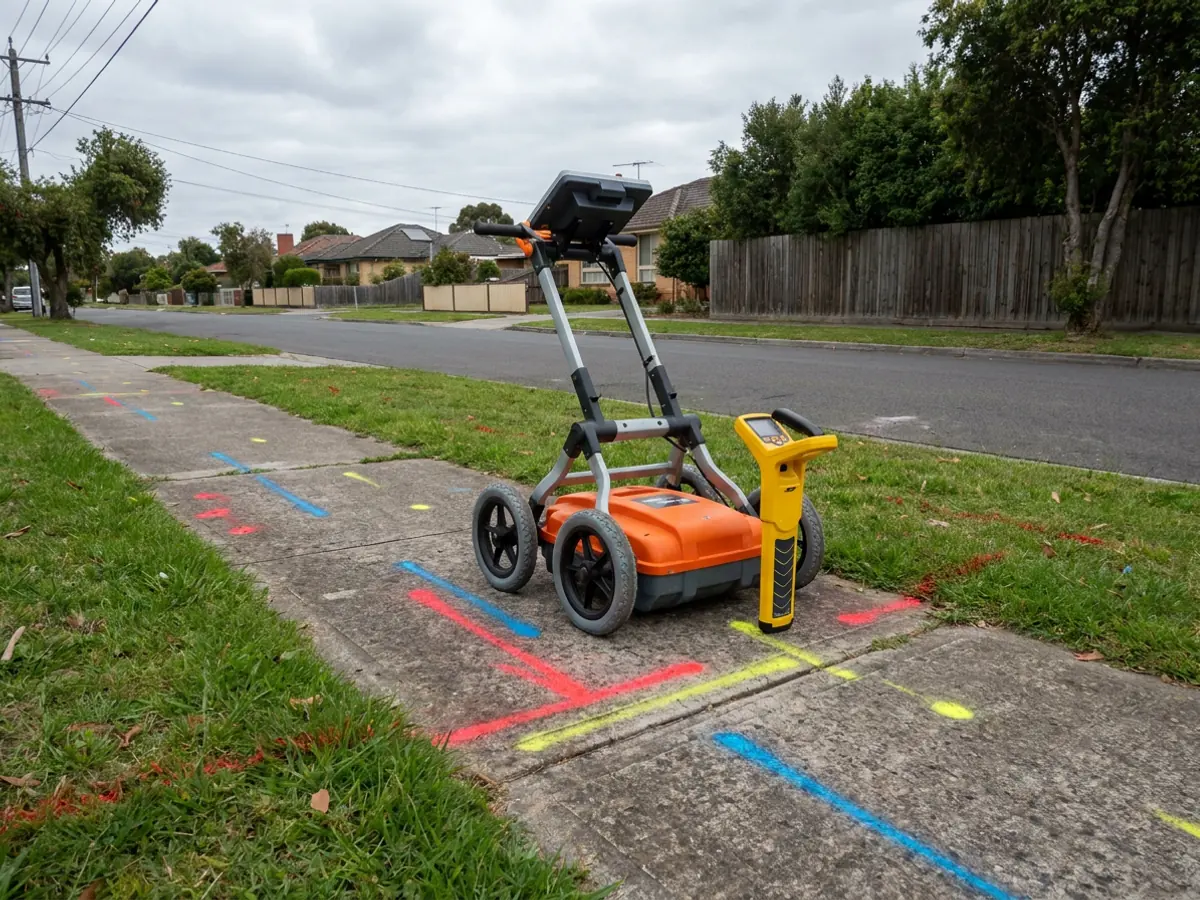
Underground service locating identifies and marks the position of buried assets from the surface, using electromagnetic locating equipment and ground-penetrating radar. It establishes where services are likely to run; hydro excavation is then used to expose and prove them.
Where this service is used
- Electronic service locating
- Ground-penetrating radar
- Utility mapping
- Service proving
- Before You Dig Australia plan interpretation
- Site marking
- Reporting
What Dynamic brings
- Underground utility locating and detection
- Certified locating services
- Coordinates with Dynamic hydro excavation for service proving
Benefits of using Dynamic
Know before you dig
Locating establishes what is below before excavation begins.
Part of the Dynamic Group
LADS locating and Dynamic hydro excavation coordinate on the same programmes.
Locate. Detect. Protect.
The LADS approach supports safer, better-planned civil and utility works.
From plans to an open, proven excavation
Utility work goes wrong when the plans are treated as the answer. This is the sequence Dynamic and LADS follow so that each step checks the one before it.
Before You Dig plans
Asset-owner plans show where services are recorded. They are the starting point for planning, not a position on the ground, and private services are often not on them.
Underground locating
LADS locates buried services on site with electromagnetic equipment and ground-penetrating radar, and marks out what is found.
This service
Service proving
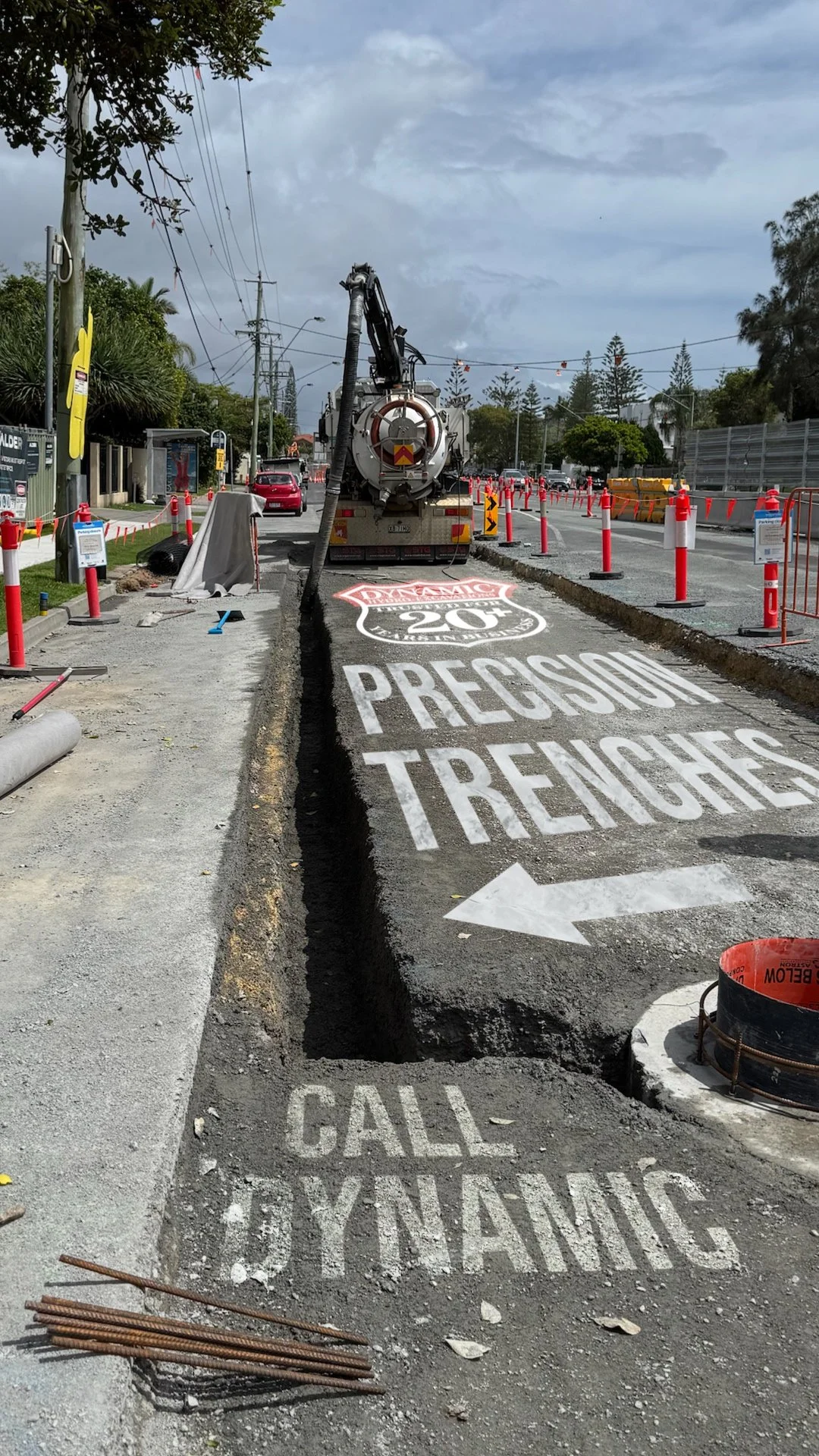
Potholing with hydro excavation exposes each marked service so its position and depth are confirmed by sight rather than inferred.
Hydro ExcavationExcavation around proven services
Trenching, pits and footings are dug by vacuum excavation where services are close, with spoil and slurry recovered into the truck.
Vacuum ExcavationCivil works and spoil cartage
Operated excavators take over bulk work once the services are known, and tip trucks cart spoil as part of the same programme.
Excavator Hire
Relevant equipment
Industries served
Safety considerations
- Locating buried services before excavation reduces the risk of strikes
- Works integrate with Before You Dig Australia plans and hydro excavation for proving
Where we deliver underground locating (lads)
Underground Locating (LADS) is delivered by our regional teams along the Queensland and New South Wales coast. Choose a region for its serviced areas, local coverage notes and the way work is scheduled there.
What to send us for an accurate quote
Each of these has a field in the quote form, and site plans, drawings, photos and tender documents can be attached. The more of it we have, the fewer assumptions sit in the price.
- Site address and extent of the areaA marked-up plan or aerial image showing where locating is needed.
- Before You Dig plansAttach them. They show what asset owners have recorded, which is where locating starts.
- What excavation is plannedThe method and approximate depth, so the locate covers what the work will actually disturb.
- Known or private servicesAnything you know is there, especially private services that asset-owner plans do not show.
- Whether services need provingIf marked services have to be exposed, hydro excavation can be booked alongside the locate.
- Access and inductionsSite entry, induction requirements and preferred date.
Frequently asked questions
Who delivers underground locating?+
Underground utility locating is delivered by LADS, part of the Dynamic Group. LADS is a dedicated locating business that works alongside Dynamic hydro excavation crews.
Is locating the same as CCTV pipe inspection?+
No. Locating identifies and maps buried services from the surface. CCTV pipe inspection views the inside of a pipe with a camera. They are separate services.
Do Before You Dig plans replace on-site locating?+
No. Before You Dig Australia plans show where asset owners have recorded their services, and they are where planning starts. They do not show private services, and recorded positions can differ from what is in the ground. On-site locating establishes where services actually run, and potholing with hydro excavation then proves them by sight.
How are underground services located before excavation?+
Planning starts with Before You Dig Australia plans. On site, LADS sweeps the work area with electromagnetic locating equipment, which traces metallic services and cables carrying a signal, and with ground-penetrating radar, which can pick up services an electromagnetic locator cannot trace. What is found is marked out on the ground, and services the excavation will come close to are then exposed and proved by hydro excavation.
What happens after services are located?+
Located services are marked out on site. Where excavation will come close to them, marked services are exposed and proved with hydro excavation before digging continues, so the work relies on a confirmed position rather than a signal.
Explore related services
Hydro Excavation
Pressurised water and industrial vacuum to expose or remove soil around live services.
Vacuum Excavation
Industrial vacuum excavation for safe, efficient exposure and removal of material.
CCTV Pipe Inspections
Drain-camera inspection and pipe-condition assessment for planning and asset management.
Related insights
Further reading on underground locating (lads)
Written by the people who run this work, on how jobs are planned, what changes on site and what we have learnt doing it.
Exposing NBN and telecommunications services on the Fraser Coast
Telecommunications conduit is shallow, congested and easy to damage. This is how non-destructive digging is used to expose NBN and telecommunications assets on the Fraser Coast, and what makes the work different from general excavation.
3 min read
Read Article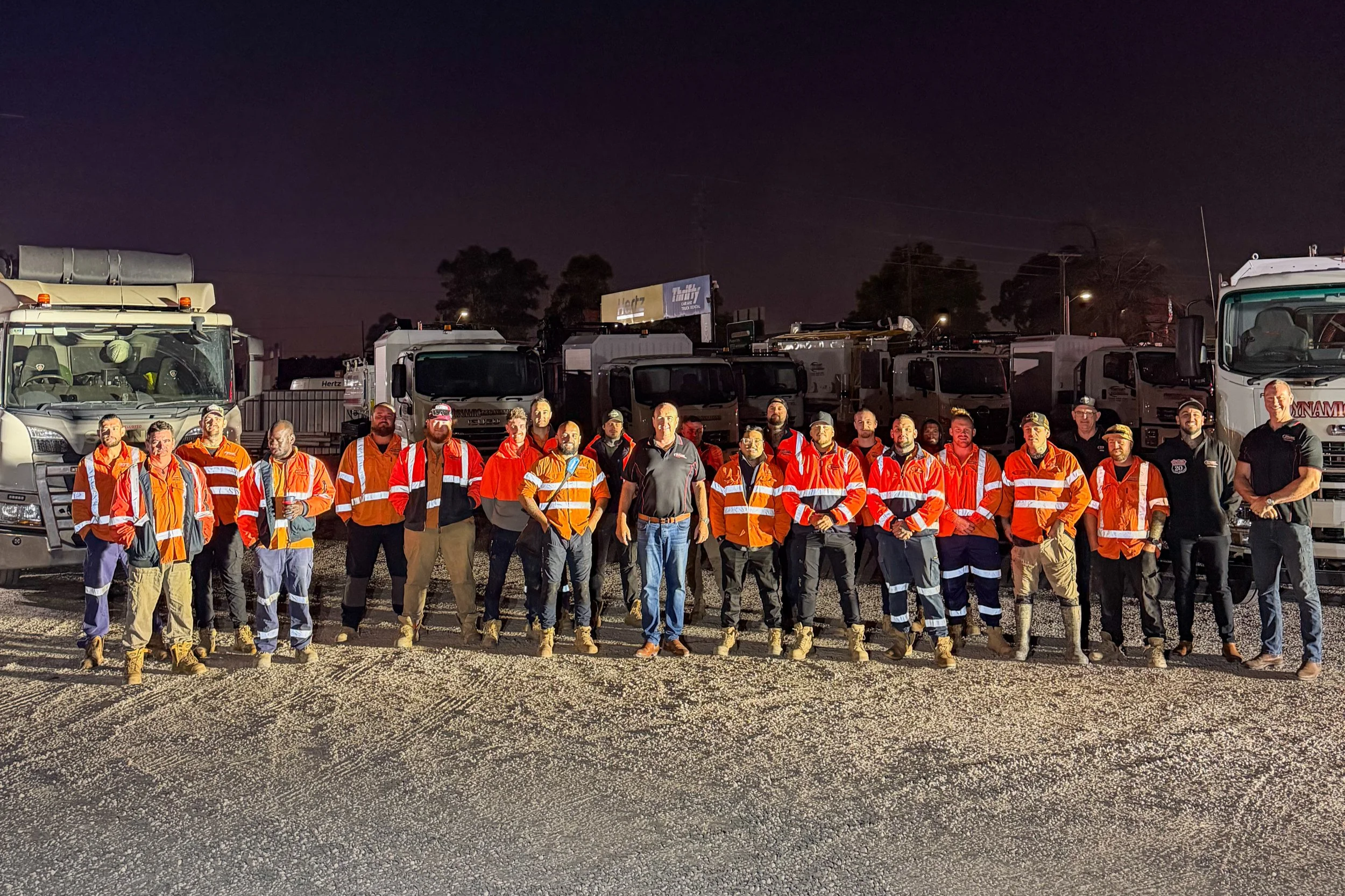
How Dynamic manages safety and quality on site
Excavation around live services is a controlled activity, not a careful one. This is how safety and quality are managed across the Dynamic fleet, from operator training and risk assessments through to plant maintenance and client-specific site compliance.
3 min read
Read Article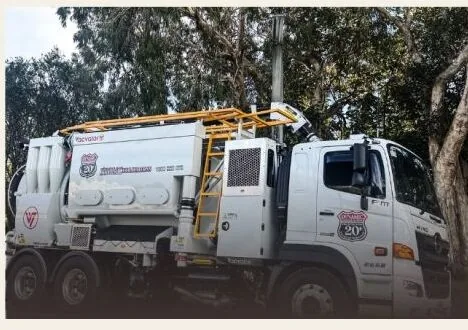
Air excavation: how Dynamic uses Vacvator units on live services
Air excavation uses compressed air rather than water to break up ground around buried services. Dynamic is rolling out Vacvator units across its East Coast operations, adding a dry option alongside hydro excavation.
3 min read
Read ArticleProject evidence
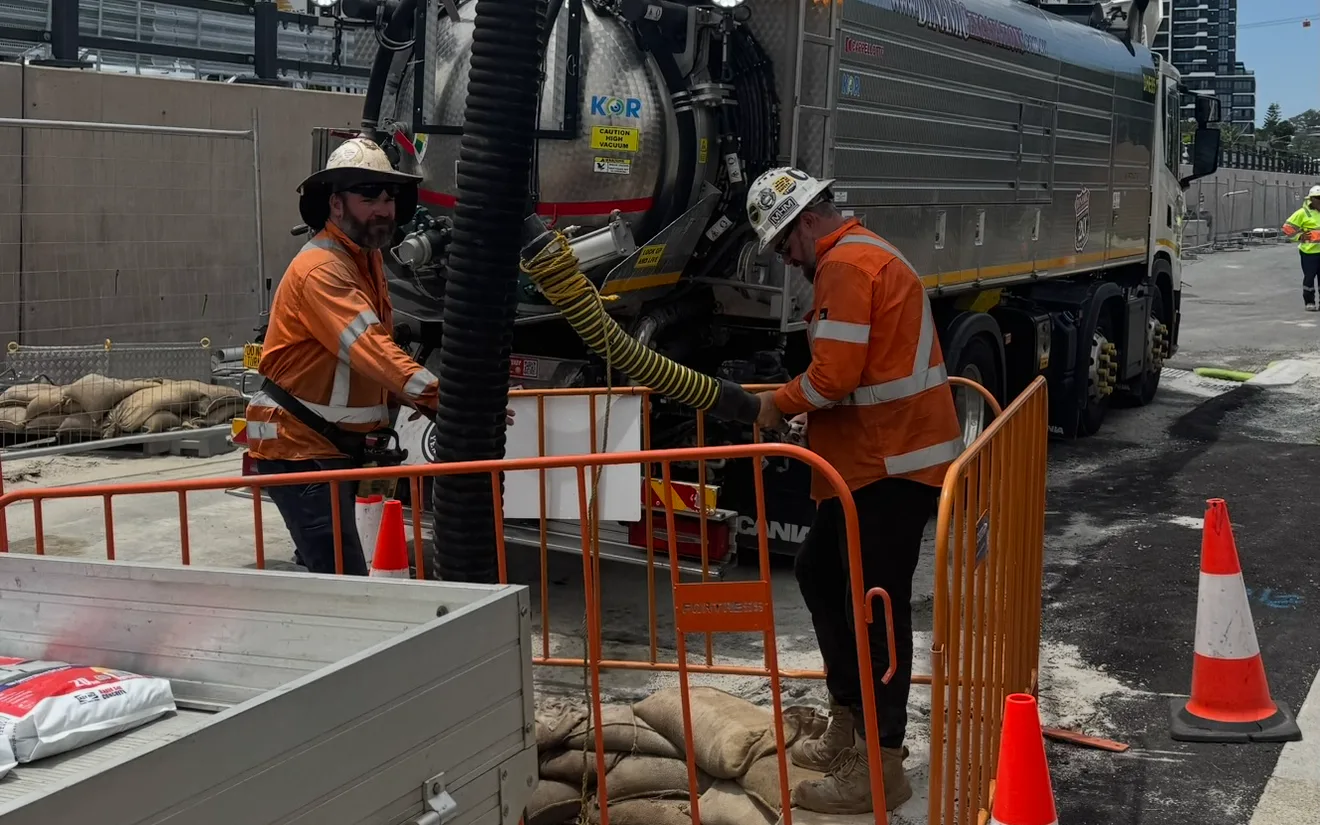
Underground Locating (LADS) on live projects
Case studies where underground locating (lads) formed part of the scope, including the site constraints and how the work was sequenced.
Request a Underground Locating (LADS) quote
Tell us about your project and our team will respond. For urgent works, call 1300 822 878.
Step 1 of 6: Service
- 1Service
- 2Location
- 3Project
- 4Contact
- 5Files
- 6Review